Small browser, big data diet
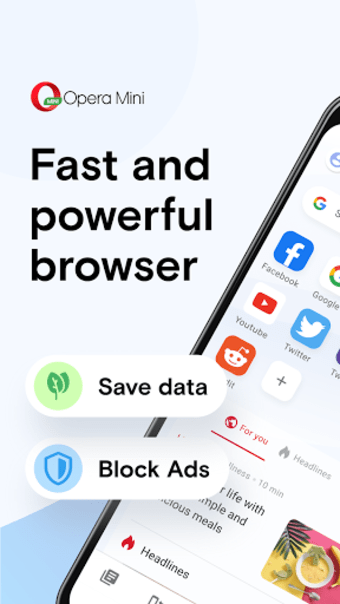
Opera Mini - fast web browser, developed by Opera, is a mobile browser built to reduce data use and keep browsing usable on slower connections. It compresses web traffic through server-side processing and adds tools such as a built-in ad blocker, private tabs, offline pages, and download management. The app targets users with limited mobile data, unreliable connections, or lightweight browsing needs.
Top Recommended Alternative
Saving megabytes without making a meal of it
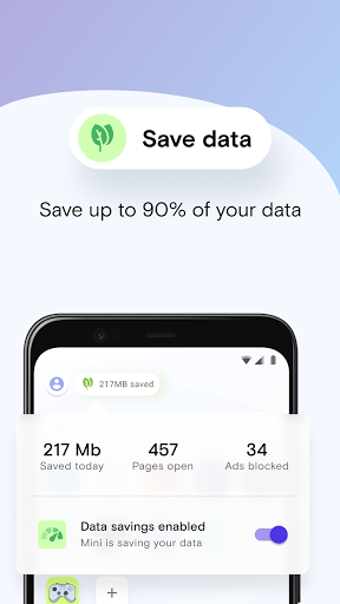
Opera Mini positions itself as a data-first browser, routing pages through Opera’s servers to shrink content before it reaches the device. That server-side compression supports major data savings, which makes the app practical for users on capped plans or congested networks. The description frames the product as an alternative to fuller browsers when conserving bandwidth matters more than desktop-like page handling.
Built light for stubborn connections
The app keeps resource demands low, with an emphasis on a lightweight footprint and smoother browsing on slower networks. Its compression model reduces the amount of data transferred, which can lead to faster page loads compared with browsers that load pages without compression. However, compressed pages can look or behave differently from their original versions, especially on more complex sites.
Privacy basics without extra tinkering
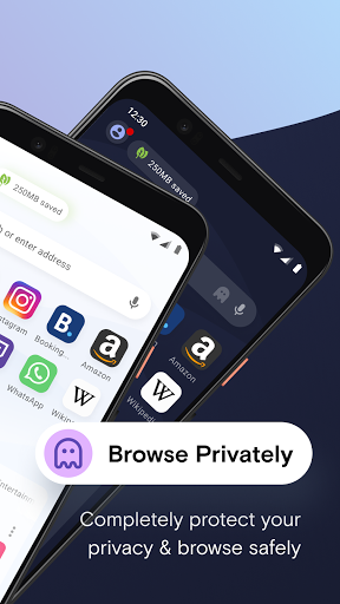
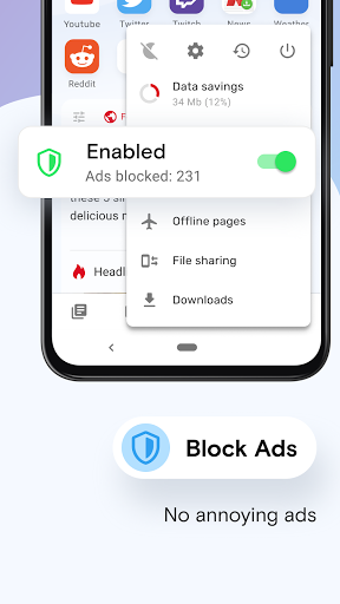
Privacy controls focus on built-in tools and local session handling: the browser includes an ad blocker and a Private Tab mode that prevents local browsing history, cookies, and cache from being stored after a session ends. These features reduce page clutter and offer basic local privacy controls without extra setup, though Opera Mini does not clearly offer the same built-in VPN feature found in Opera’s standard browser.
Offline tricks for patchy signal days
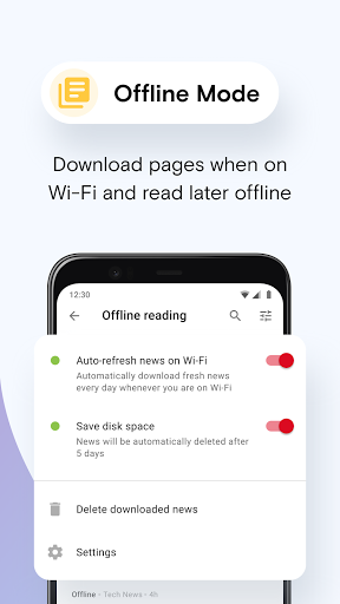
Sync and offline features support lightweight productivity, with bookmark and tab sync available through an Opera account and an Offline Pages function for reading saved content without connectivity. The app also supports offline file sharing and a download manager that detects media on pages, which helps users save, share, and continue reading when a stable connection is not available.
Best for browsing when data bites back
Opera Mini is a practical option for users who prioritize data reduction, low resource use, and fast access on slow or costly networks. Expect trade-offs versus full desktop-compatible browsers, since compression changes how pages are delivered. It works best as a lean everyday browser for reading, searching, downloading, and saving pages rather than as a full replacement for heavier browser setups.